Color-Coding YubiKeys
Dec 22, 2025
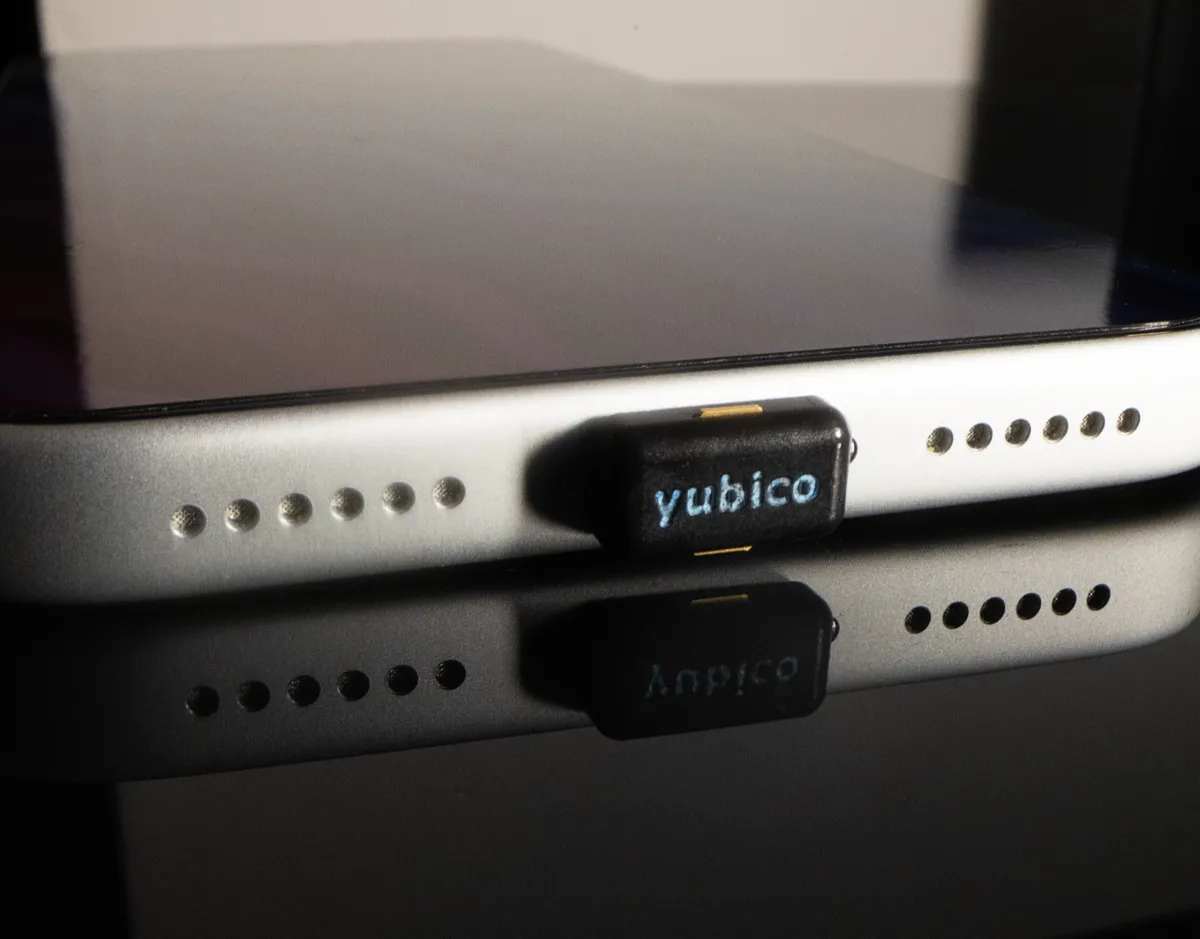
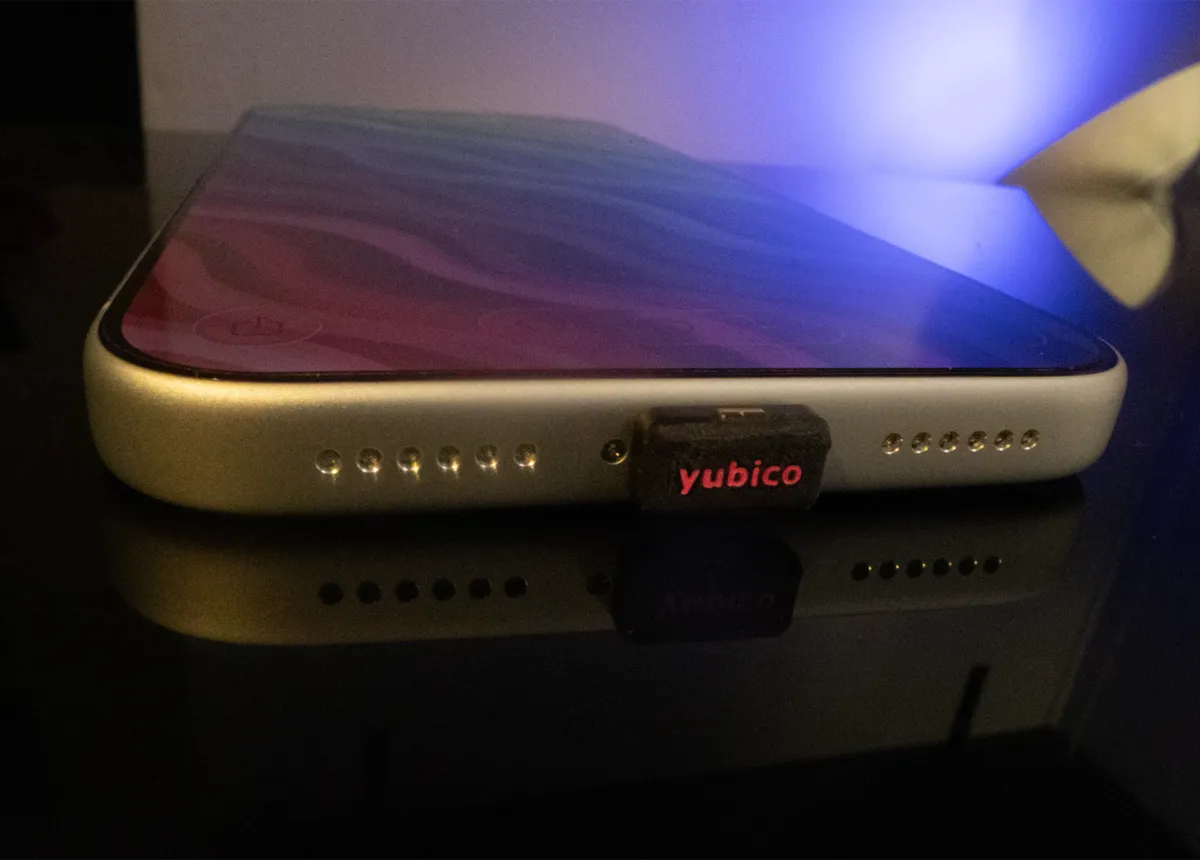
YubiKeys are great—until you end up with multiple identical YubiKeys and no idea which one is which, especially after one breaks. Unlike the full-size models, I did not find any stickers or other existing solutions to distinguish the YubiKey Nano model. After struggling to identify my keys, I decided to fix the problem myself.
Initially, I tried using small coloured stickers, but they wore off within weeks when travelling frequently with my laptop and the (PIN-protected) YubiKey inserted. I ended up colouring the engraved letters on the YubiKey Nano using acrylic paint and protective lacquer. For extra visibility, I sprinkled some silver glitter over the paint on one of the keys. The result is a set of clearly distinguishable keys—pink, blue, and whatever colour I need next—without affecting the functionality, and resistant to daily wear and tear.
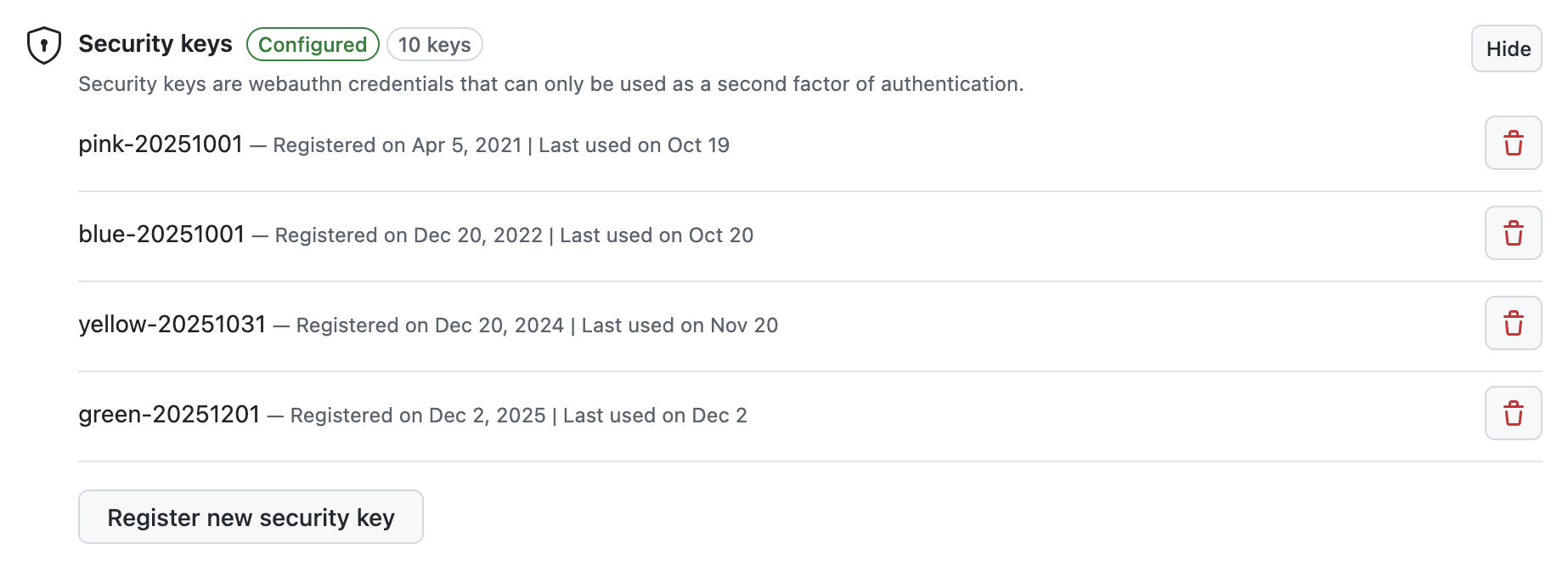
With the hardware now visually unique, I aligned the software side as well. I assigned my
YubiKeys identifier based on their colour and creation dates (e.g.,
pink-20251001, blue-20251001). Easy identification enables the
straightforward removal of a broken YubiKey from online accounts.
I mirrored those names in the YubiKey's own metadata via the Name field visible
in gpg --card-status.
(base) ➜  ~ gpg --card-status
Reader ...........: Yubico YubiKey FIDO CCID
Application ID ...: D2760001240100000006310164610000
Application type .: OpenPGP
Version ..........: 3.4
Manufacturer .....: Yubico
Serial number ....: 31016461
Name of cardholder: pink-20251001
Language prefs ...: [not set]
Salutation .......:
URL of public key : [not set]
Login data .......: [not set]
Signature PIN ....: not forced
Key attributes ...: rsa4096 rsa4096 rsa4096
Max. PIN lengths .: 127 127 127
PIN retry counter : 3 0 3
Signature counter : 496
It's a small hack, but it makes managing multiple hardware keys far easier.